

Quick answer: To make Suno songs sound better, fix the source first — clearer prompts, simpler arrangements and the polished v6 model — then polish the audio: download a WAV, split stems to balance vocals and music, cut muddy low-mids and harsh highs with EQ, control peaks with gentle compression, and master to a loudness of around −14 LUFS for streaming. Small changes make a big difference.
Many Suno songs sound great on first listen but a bit thin, harsh or muddy on good speakers. This guide shows how to improve them in two stages: inside Suno and after download.
Common Suno sound problems
| Problem | Likely cause | Quick fix |
|---|---|---|
| Muddy mix | Busy arrangement, too much low-mid | Simpler style; EQ cut around 200–400 Hz |
| Harsh vocals or cymbals | Bright highs | De-esser or EQ cut around 3–8 kHz |
| Quiet vocals | Dense music | Stems: raise vocal, lower music |
| Thin sound | Lo-fi or weak low end | Ask for “warm, full mix”; gentle bass boost |
| Too quiet overall | No mastering | Limiter to about −14 LUFS |
| Artifacts / warble | Generation quirks | Regenerate or edit that section in v6 |
Stage 1: Better sound inside Suno
- Use v6 for finals. It’s the most polished model. Sketch on v6-mini or v6-wild, finish on v6. See Suno v6.
- Ask for production quality. Add “polished modern production”, “clear vocals”, “warm full mix” or “wide stereo”.
- Simplify the arrangement. Name two or three instruments, not eight.
- Avoid conflicting styles. One genre plus one flavour.
- Shorten lyric lines. Rushed lines create messy vocals.
- Edit weak sections instead of accepting them — v6 lets you fix one part in plain language.
- Generate a few options and pick the cleanest, not just the catchiest.
Stage 2: Download and split stems
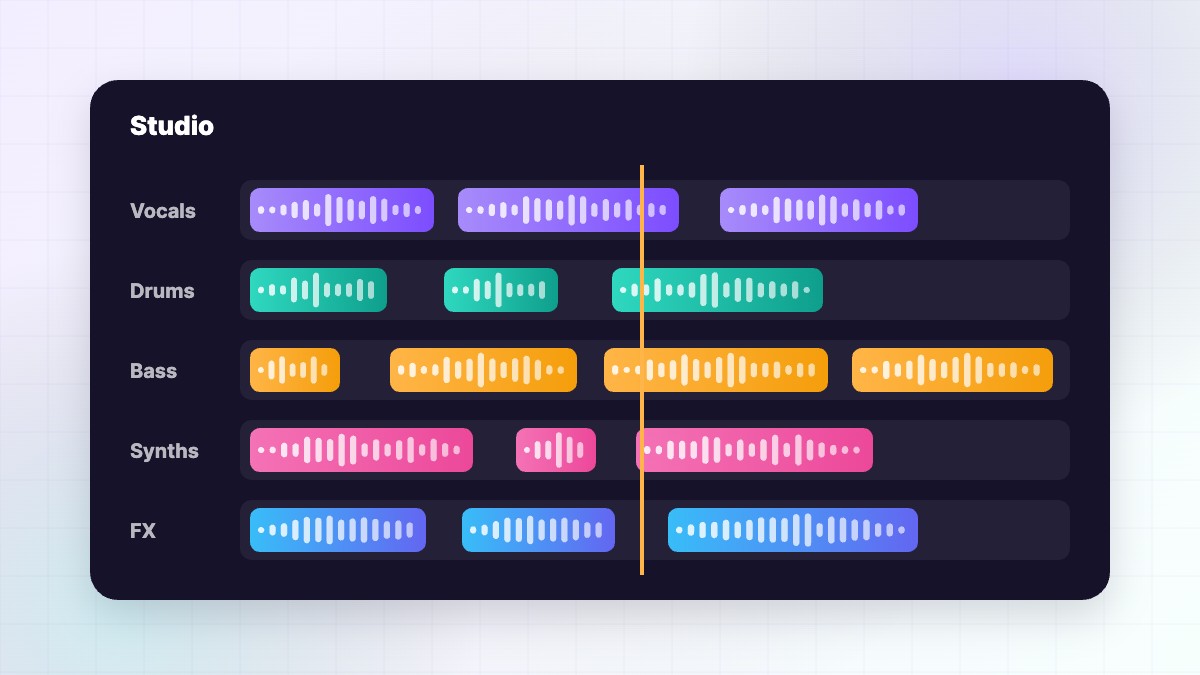
Download the final song as WAV (paid plans). Then create stems — vocals and instrumental, or fuller splits — so you can balance and process each part separately. Premier users can export high-quality 32-bit/48kHz stems from Suno Studio without download limits. See our Suno stems guide.
Import the stems into a DAW (GarageBand, Logic, Ableton, FL Studio, Reaper or a free option), line them up at 0:00 and set the project tempo to your song’s BPM.
Stage 3: Simple mixing steps
Balance
Set the vocal so every word is clear, usually slightly above the music. Lower anything that competes with it.
EQ
- High-pass the vocal around 80–120 Hz to remove rumble.
- Cut muddy frequencies (200–400 Hz) a few decibels on the instrumental.
- Tame harshness around 3–8 kHz if cymbals or “s” sounds are sharp.
- Add a gentle high-shelf “air” boost on vocals if they sound dull.
Compression
Use gentle compression on the vocal (2:1 to 4:1, a few dB of reduction) to keep it steady. Don’t over-compress — Suno’s audio is often already compressed.
Space
Add a little reverb or delay to the vocal on a send so it sits in the music. Keep it subtle.
Stage 4: Mastering
- Put a gentle EQ on the master to balance overall tone.
- Use light bus compression to glue the mix (1–2 dB reduction).
- Add a limiter to raise loudness.
- Aim for about −14 LUFS integrated and true peak below −1 dBTP for streaming.
- Compare with a professional track in the same genre at the same loudness.
- Export a 24-bit WAV master and a high-quality MP3.
If you don’t want to master yourself, AI mastering services and mastering engineers can do it for you.
Fixing AI artifacts
Sometimes Suno audio has warbly vocals, smeared cymbals or odd noises. Options:
- Regenerate the section with a v6 edit or extend from just before it.
- Replace problem parts by muting that stem section and using another take.
- Re-record vocals or instruments yourself over the stems.
- Use restoration tools (de-noise, de-click) carefully — too much makes things worse.
Adding human parts
The fastest way to make a Suno song sound “real” is to add something human: a live guitar, real backing vocals, a shaker, or your own lead vocal. Even one live layer adds depth and makes the song more yours — which also strengthens your rights. See Suno copyright explained.
Check on multiple systems
Listen to your mix on headphones, phone speakers, a car and a laptop. If the vocal disappears on a phone or the bass booms in the car, adjust. Professional engineers always check on several systems, because listeners use all of them.
Loudness targets by platform
| Platform | Typical target |
|---|---|
| Spotify | Around −14 LUFS |
| Apple Music | Around −16 LUFS |
| YouTube | Around −14 LUFS |
Platforms normalise loudness, so a louder master isn’t automatically better. A clean, balanced master at about −14 LUFS works well everywhere.
A real-world example
A hobby producer released a Suno song that sounded harsh on Spotify. He split it into stems, cut 3 dB at 5 kHz on the instrumental, de-essed the vocal, removed mud at 300 Hz, added a short plate reverb to the vocal and mastered to −14 LUFS. He also recorded a real acoustic guitar double in the chorus. The new version sounded warmer and clearer, and listeners said it felt “less AI”. Release tips in our Spotify guide.
Quick checklist
- Final generated on v6 with a clear, simple style
- WAV downloaded and stems created
- Vocal clear and balanced
- Mud and harshness reduced with EQ
- Gentle compression and subtle reverb
- Mastered to about −14 LUFS, peaks below −1 dBTP
- Checked on several speakers
Learn your ears
Mixing is a skill, and your ears improve with practice. Compare your songs with professional tracks you love, make small changes and take breaks so your ears stay fresh. Over a few songs, you’ll learn exactly how to turn a good Suno generation into a release-ready track.
Free tools you can use
You don’t need expensive gear to improve Suno songs. Many free or low-cost DAWs include EQ, compression, reverb and limiting, which is all you need for the steps in this guide. Free loudness meters show your LUFS so you can hit streaming targets. A pair of decent headphones is the most important purchase, because you can’t fix what you can’t hear. If you are on Premier, Suno Studio already includes effects like sidechain compression and convolution reverb, so you can do much of this work without leaving Suno. Start simple, learn one tool well and add more only when you have a clear need.
Volume automation
Small volume rides make a mix feel alive. Raise the vocal slightly on quiet words, lower music during verses and lift it into the chorus. Automation is often more natural than heavy compression.
FAQ
Can I master Suno songs?
Yes. Download a WAV on a paid plan and master it in a DAW or mastering tool.
What loudness should I master to?
Around −14 LUFS integrated for streaming, with true peaks below −1 dBTP.
Why do my Suno songs sound muddy?
Too many instruments in the prompt or too much low-mid. Simplify and EQ.
Should I use MP3 or WAV for mixing?
Always WAV.
Do I need expensive software?
No. Free DAWs and plugins can do the basics well.
SunoMusicAI Guide is an independent website and is not affiliated with, endorsed by or sponsored by Suno, Inc. Features, prices and policies change often, so always check Suno’s official website for the latest details.




Leave a Reply