INDEPENDENT SUNO AI TUTORIALS · UPDATED 2026
Suno AI Music Guide: Learn to Make Better Songs
Step-by-step tutorials, 100+ tested prompts, meta tags, lyrics tips, pricing, credits, commercial use and fixes — everything you need to turn ideas into great AI songs.
✓ Independent ✓ Tested prompts ✓ Updated for v6
Looking for Suno itself? This is an independent guide. The official website is suno.com.
100+
copy-ready prompts
35+
in-depth guides
9
genre prompt packs
v6
models explained
THE QUICK ANSWER
What is Suno AI?
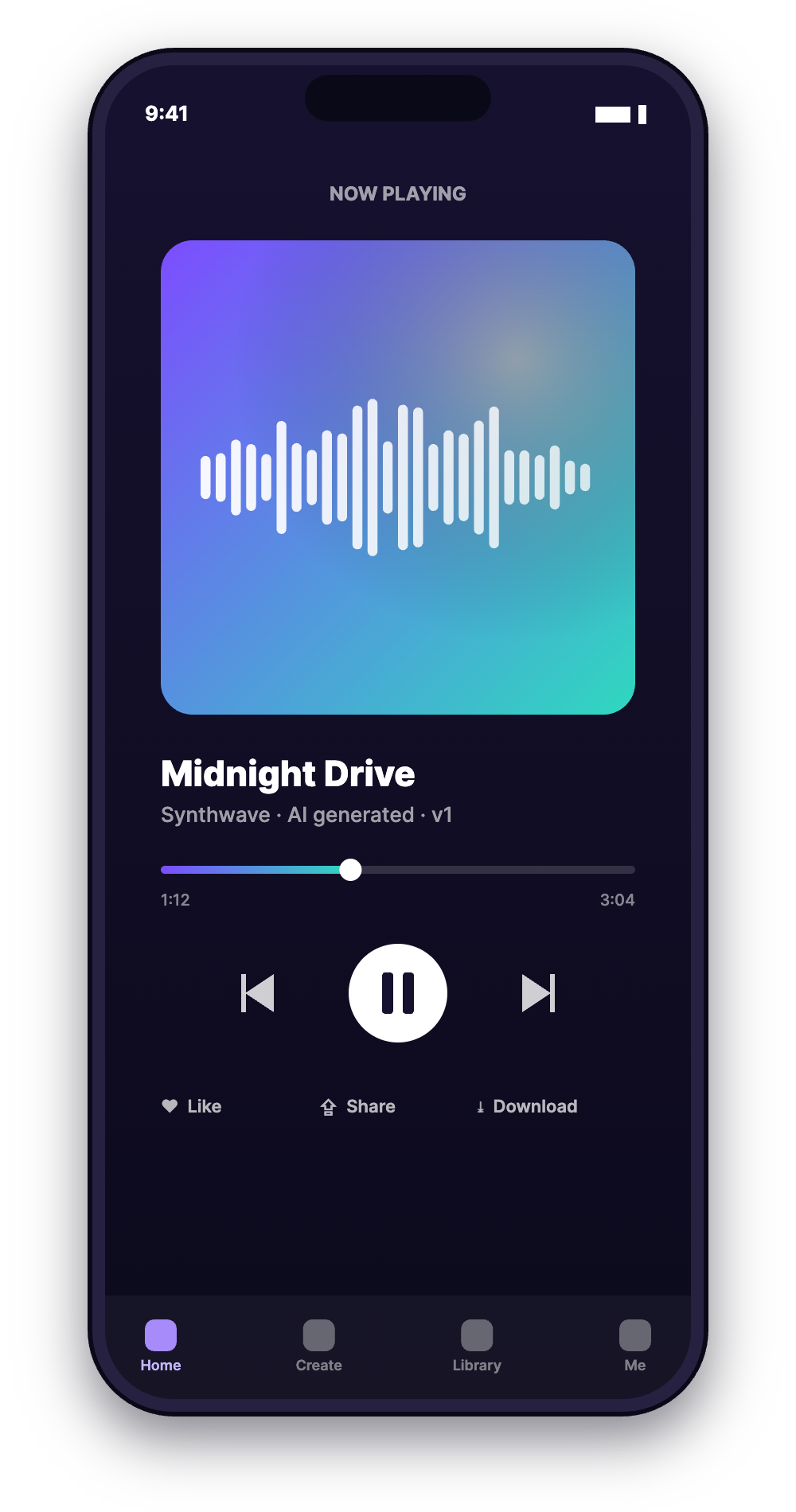
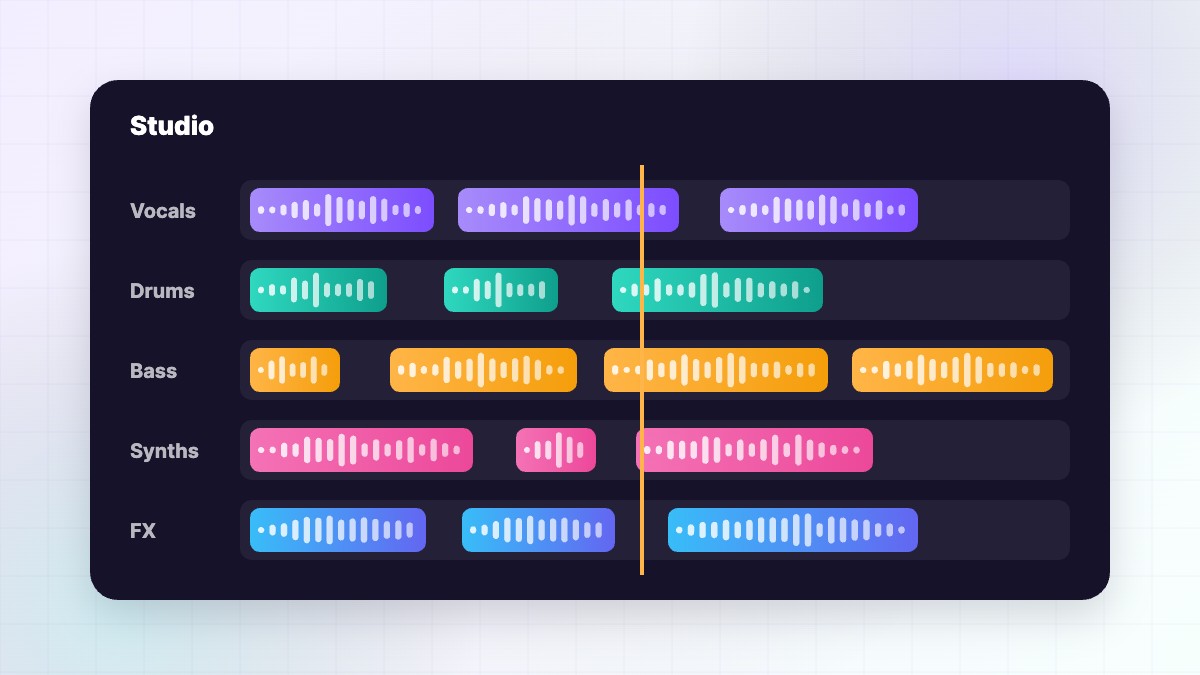
Suno is an AI music generator that creates complete songs — vocals, lyrics, melody and production — from a short text prompt. You can use it free with 50 credits a day (about 10 songs), or upgrade for downloads, commercial rights, the newest v6 models and Suno Studio.
Our guides show you how to write prompts that work, format lyrics with meta tags, understand credits and pricing, and use your songs safely on YouTube, TikTok and Spotify.
BROWSE BY TOPIC
Everything you need to make great Suno songs
Pick a topic to find tutorials, prompt packs and clear answers.
MAKE YOUR FIRST SONG
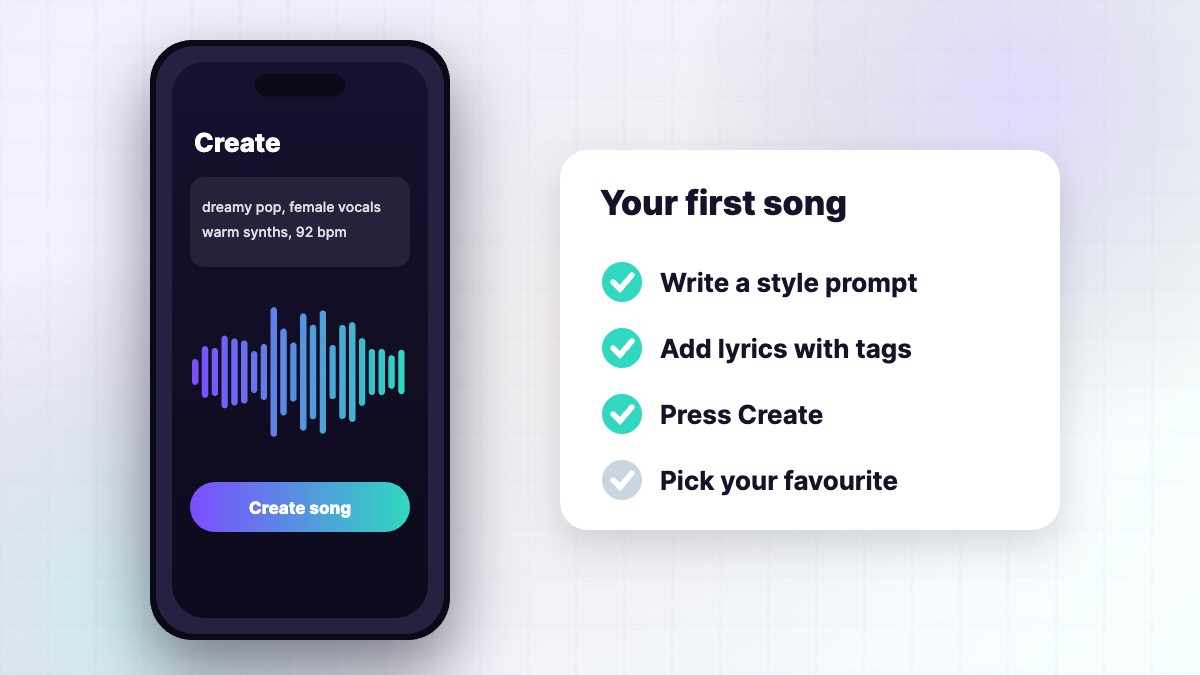
From idea to finished song in three steps
1
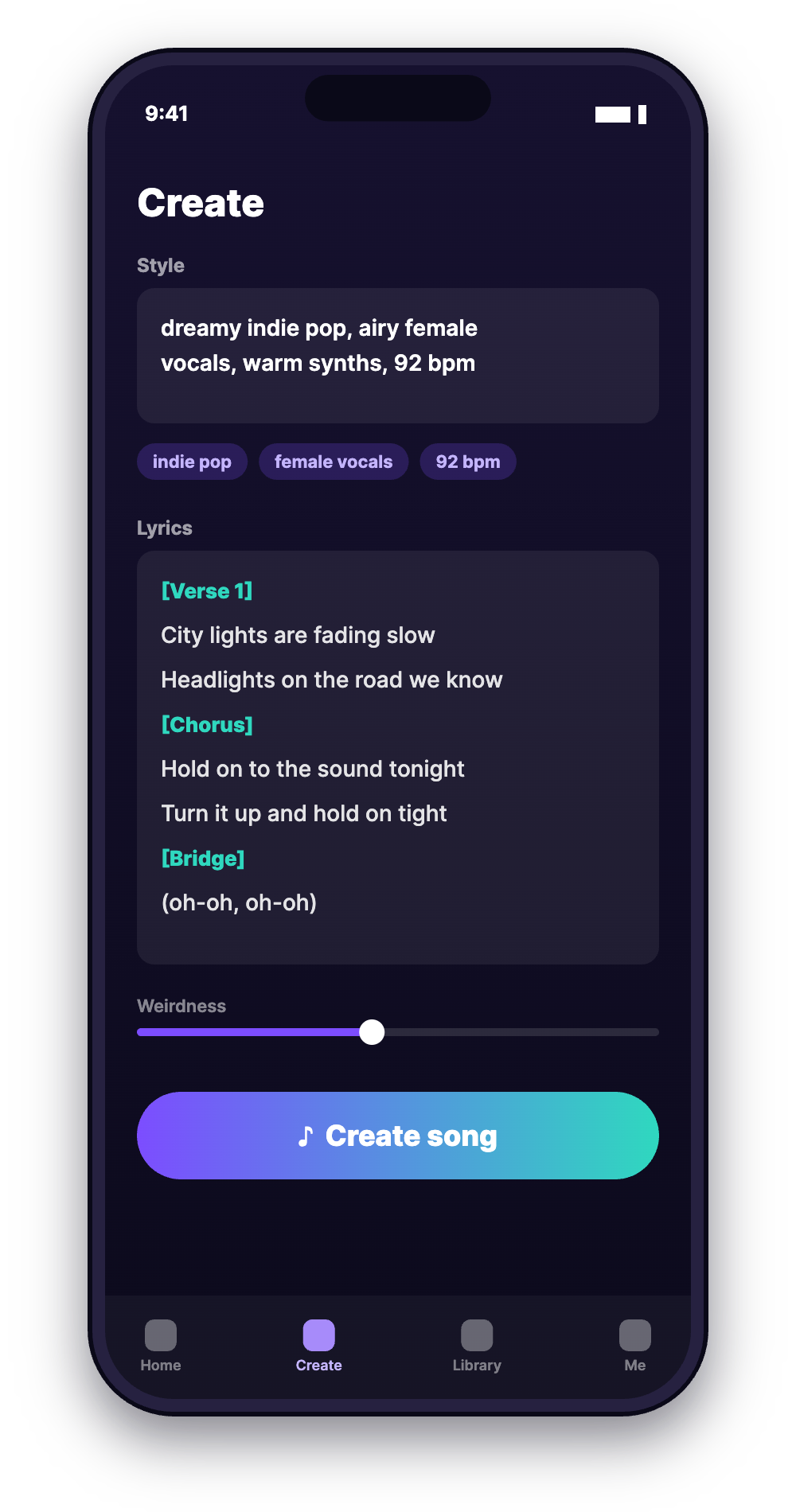
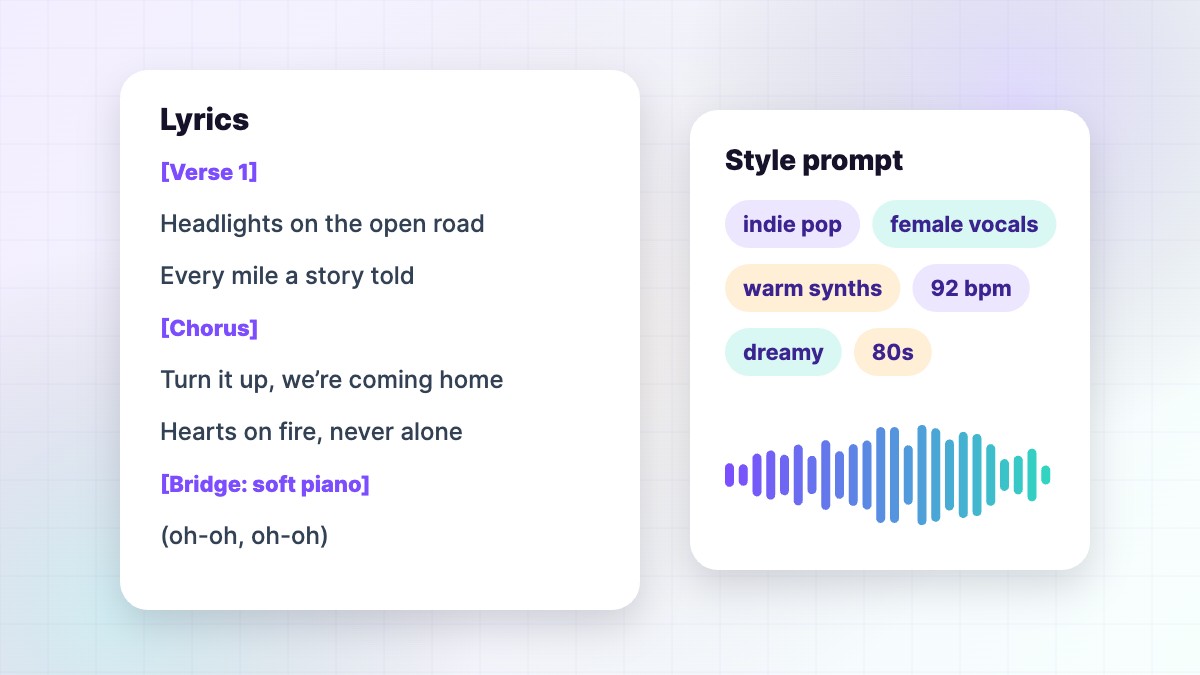
Write a clear style prompt
Lead with the genre, then vocals, two or three instruments and the tempo.
2
Add lyrics with meta tags
Tag every section — [Verse], [Chorus], [Bridge] — and keep lines short.
3
Create, compare and refine
Generate, keep the best version, then extend, edit or cover it.
FRESH GUIDES
Latest Suno guides
- How to Make Suno Songs Sound Better (Mixing and Mastering Tips)
- Suno AI Music: How to Make Songs Free, What It Costs and How to Stay Safe
- Suno Songs and YouTube Content ID Claims: How to Avoid and Fix Them
- Suno Limits Explained: Song Length, Lyrics, Uploads and Downloads
- Can You Copyright Suno AI Music? What You Can Protect and How
- How Does Suno AI Work? A Simple Explanation
PLANS AT A GLANCE
Suno plans (October 2026)
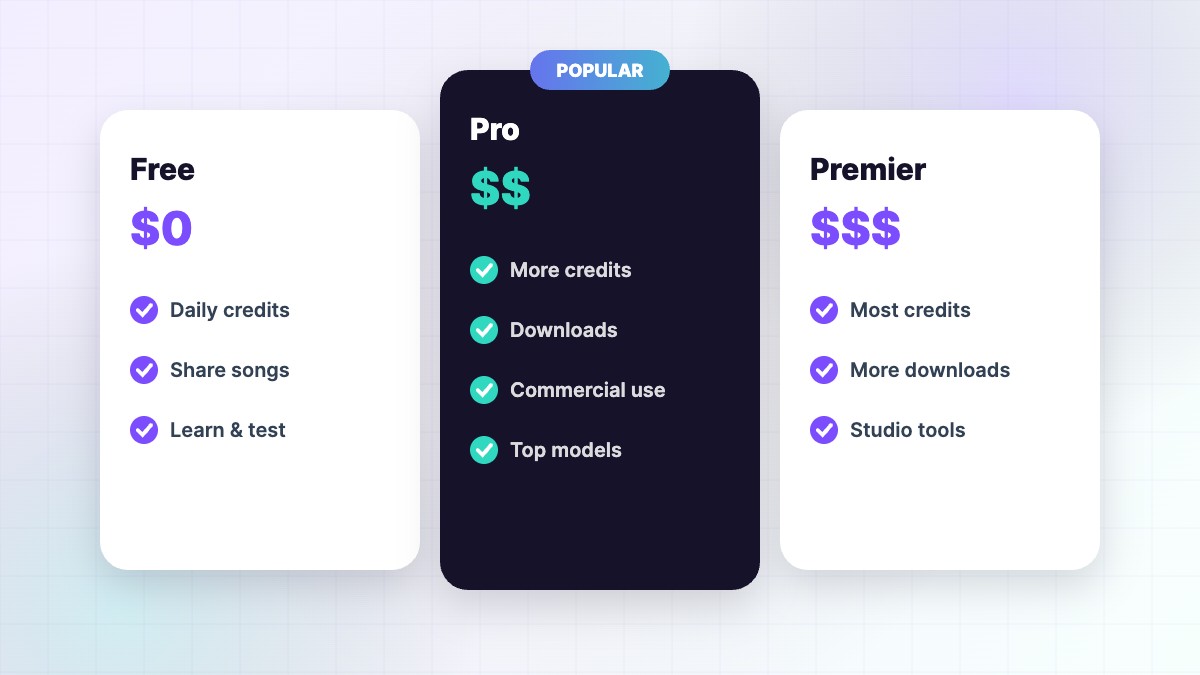
| Free | $0 · 50 credits/day · no downloads |
| Pro | $8/mo yearly ($10 monthly) · 2,500 credits |
| Premier | $24/mo yearly ($30 monthly) · 10,000 credits |
| Per song | About 10 credits for two songs |
| Downloads | 20/month Pro · 60/month Premier |
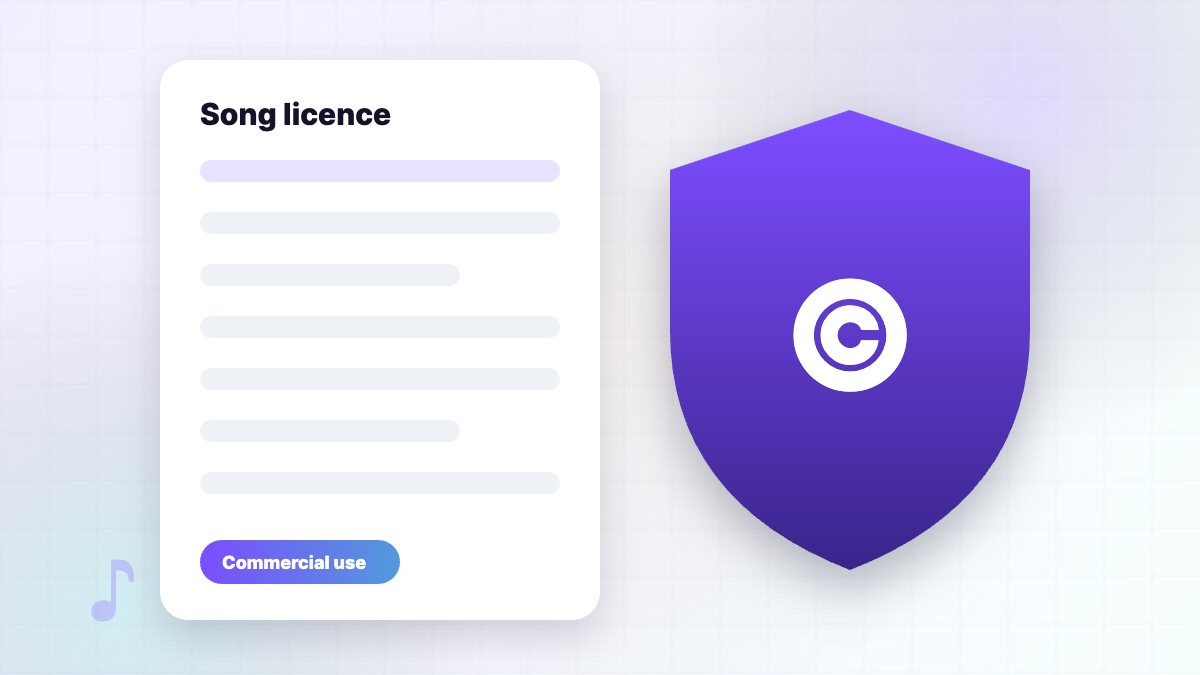
| Commercial use | Paid plans only |
From Suno’s official pricing page. Prices can change. Full details in our pricing guide.
COMPARE TOOLS
Is Suno the right AI music tool for you?
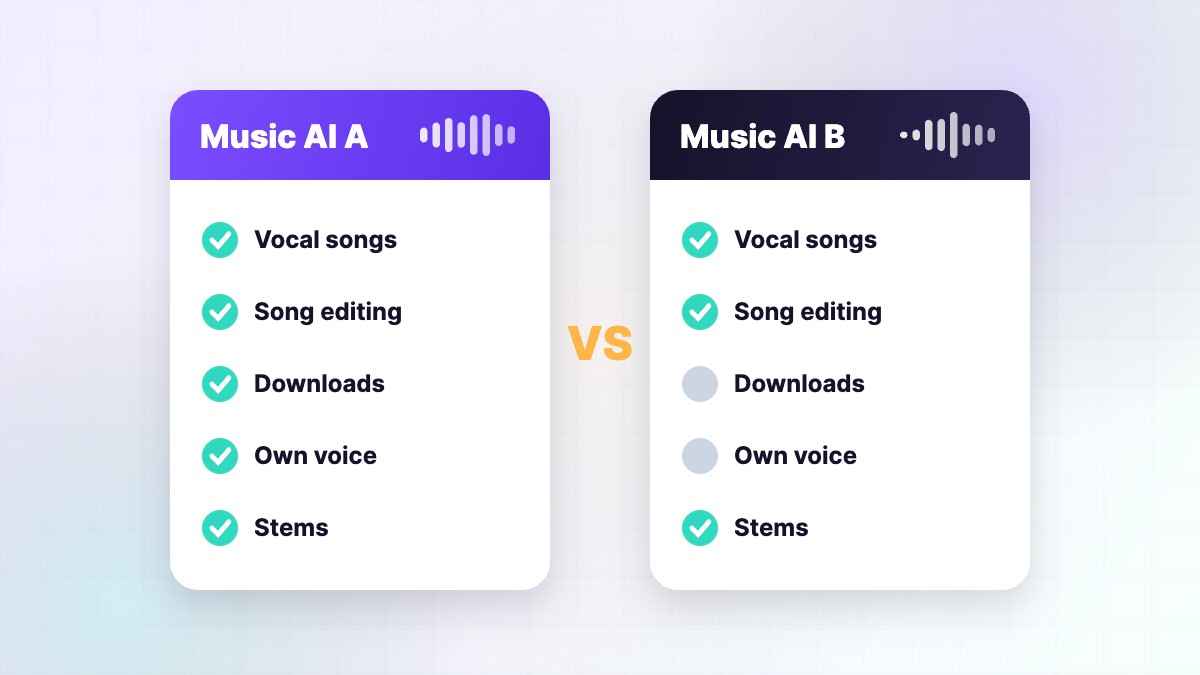
See honest comparisons of Suno with Udio, ElevenLabs Music and other AI music generators — sound, features, downloads, rights and price.
Where to make Suno AI music
You make songs on the official site, suno.com, or in the official apps. Many other websites use the Suno name, but they are separate products with their own prices and rules. Read our Suno AI music guide to learn how to start for free and stay safe.
Start with the Suno guide you need
- Making your first song? Read our Suno AI music guide and how to use Suno AI.
- Want better results? Read Suno prompts and the Suno styles list.
- Writing lyrics? See our lyrics guide and meta tags list.
- Checking the cost? See Suno pricing, credits explained and is Suno free?
- Releasing your music? Check commercial use and uploading to Spotify.
- Comparing tools? Read our Suno review, Suno vs Udio and Suno alternatives.
Suno prompts by genre
Ready-to-copy prompt packs for hip hop, lo-fi, K-pop, Afro house, country, metal, cinematic, worship and Bollywood.
Free Suno tools
Plan your month with the credit calculator, write a style with the prompt builder and tag your lyrics with the lyrics formatter. They run in your browser and need no sign-up.
Who writes these guides
SunoMusicAI Guide is run by its founder and editor, Ravi Mo, who tests Suno hands-on every week and checks plans and policies against Suno’s official pages. Read our editorial policy or learn more about us.
Suno AI FAQs
Is Suno AI free?
Yes. The free plan gives 50 credits a day, about 10 songs, but no downloads or commercial use. Free plan explained.
Can I use Suno songs on YouTube or Spotify?
Yes, if you made them on a paid plan. See commercial use rules and Spotify upload steps.
How do I write a good Suno prompt?
Describe genre, mood, vocals, two or three instruments and tempo in 4–10 short descriptors. See 100 examples.
Can I download songs on the free plan?
No. Downloads need a paid plan: 20 a month on Pro and 60 a month on Premier. Our download guide shows the steps.
Can Suno make instrumental music?
Yes. See our Suno instrumental guide for prompts and settings.
Why is Suno not working?
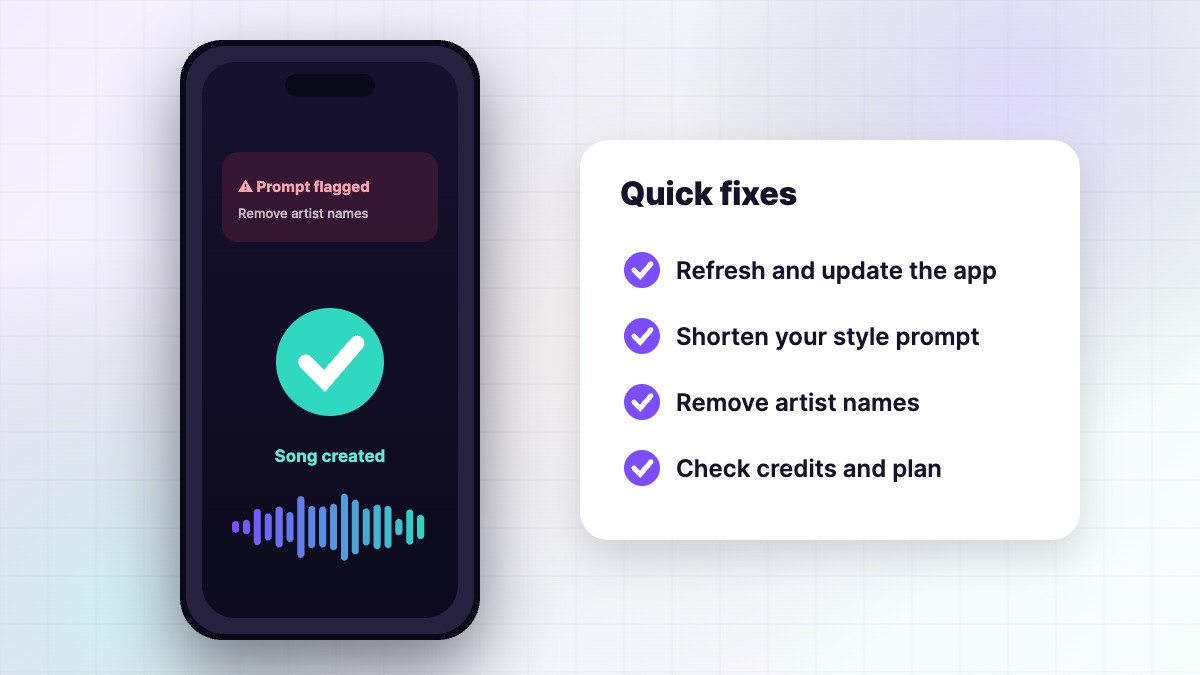
It may be a stuck song, a flagged prompt or an account limit. Follow our Suno troubleshooting guide.
Is this the official Suno website?
No. We are an independent guide. The official site is suno.com.
Turn your ideas into songs people love
Learn the prompts, structure and settings that make Suno songs shine. Independent guide — not affiliated with Suno, Inc.