Quick answer: Yes, you can monetize Suno AI music on YouTube if the song was made while you had a paid Suno plan (Pro or Premier), which gives you commercial rights. Songs made on the free plan can’t be monetized. You also have to meet YouTube’s own rules: the YouTube Partner Program requirements, its policy against inauthentic, mass-produced or repetitive content, and AI disclosure for realistic synthetic content. Channels that add real value — original ideas, editing, commentary or storytelling — are the ones that get approved and stay monetized.
This guide explains both sets of rules. It isn’t legal advice, so always read the current policies.
Two sets of rules you must follow
| Suno’s rules | YouTube’s rules |
|---|---|
| Commercial use only for songs made on Pro or Premier | Meet YouTube Partner Program eligibility |
| Free-plan songs: personal, non-commercial use | No inauthentic, mass-produced or repetitive content |
| Don’t imitate real artists or use others’ voices | Disclose realistic altered or synthetic content |
| Follow Suno’s terms of service | Follow copyright and Content ID rules |
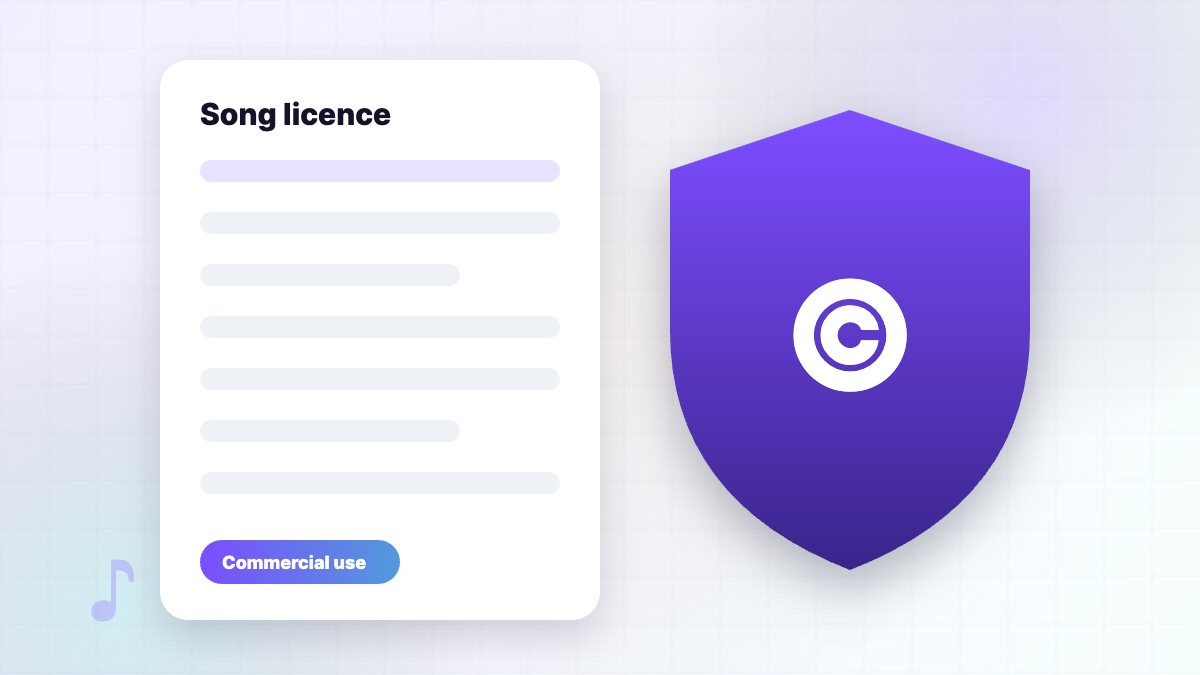
Read Suno’s terms and YouTube’s YouTube Partner Program policies.
Suno’s side: commercial rights
Under Suno’s terms, songs created while you have an active Pro or Premier plan come with commercial use rights, and Suno assigns its rights in that output to you. Songs made on the free plan stay non-commercial, and upgrading later doesn’t usually cover them. The same applies to videos you don’t monetize: free-plan songs are for personal use and can’t be downloaded, so use songs made on a paid plan. If a favourite song was made on free, recreate it after upgrading. Keep a record of the song link, creation date and your plan receipt. Full details in Suno commercial use.
YouTube’s side: Partner Program rules
To earn ad revenue, your channel must join the YouTube Partner Program and follow its policies. Requirements include subscriber and watch-time thresholds, following community guidelines and having no active strikes. For AI music channels, the most important policy is about inauthentic content: YouTube doesn’t monetize content that is mass-produced or repetitive, such as hundreds of near-identical tracks with the same static image. It does monetize channels that add clear value.
What “adding value” looks like
- Original concepts, themes and storytelling
- Real editing: visuals, lyrics, transitions
- Commentary, tutorials or behind-the-scenes content
- Consistent, curated playlists with a clear purpose
- Your own lyrics, voice or performance
AI disclosure on YouTube
YouTube asks creators to disclose content that is meaningfully altered or synthetic and looks or sounds realistic — for example, a realistic voice that could be mistaken for a real person. Fully AI-generated music videos and realistic AI vocals may fall into this. You set the disclosure in YouTube Studio when uploading. See YouTube’s disclosure help page. Being transparent builds trust with viewers and reduces policy risk.
Content ID and copyright claims
Problems usually happen when a song is released through a distributor that registers it with Content ID. Then your own videos — or other people who licensed the song — may get claims. To avoid this, whitelist your channel in the distributor’s settings, or don’t enable Content ID for AI tracks. If you get a mistaken claim, dispute it with your Suno details. YouTube explains the system on its Content ID page.
Monetizable channel ideas with Suno music
| Channel type | How to add value |
|---|---|
| Study / lo-fi mixes | Themed, curated mixes with original art and timestamps |
| Original songs | Your own lyrics, lyric videos and story behind each song |
| Tutorials | Teach Suno prompting and production |
| Kids’ learning songs | Educational lyrics with animations |
| Worship / devotional | Original lyrics, lyric videos and reflections |
| Game or fantasy soundtracks | Worldbuilding, artwork and lore |
See our lo-fi prompts and instrumental guide for ideas.
What gets AI music channels rejected
- Uploading many near-identical tracks with the same image
- Re-uploading songs without editing or context
- Misleading titles or thumbnails
- Imitating real artists’ voices or names
- Using free-plan songs commercially
- Copying other channels’ content
Step-by-step checklist
- Subscribe to Pro or Premier before creating songs for the channel.
- Write your own lyrics where possible.
- Download WAVs and keep records (link, date, plan).
- Create unique visuals, lyrics and descriptions for each upload.
- Set AI disclosure in YouTube Studio when required.
- Avoid enabling Content ID for tracks you use on your own channel, or whitelist it.
- Grow watch time with playlists, Shorts and consistent uploads.
- Apply to the Partner Program when eligible.
A real-world example
A creator started a fantasy soundtrack channel using Suno Premier. Instead of uploading random tracks, she built a fictional world with maps and characters, wrote a short story for each song and made cinematic visuals. Each upload had chapters, lore in the description and a clear AI disclosure. Viewers came for the world as much as the music. The channel met the Partner Program thresholds and was approved, because its content was clearly original and curated.
Other ways to earn with Suno music
- Channel memberships and Super Thanks
- Releasing songs on streaming platforms — see Spotify guide
- Custom songs for clients (on a paid plan)
- Teaching Suno skills
How much can you earn?
Earnings vary hugely by niche, audience location and watch time. Music-only channels often earn less per view than tutorial or educational channels, because advertisers pay more for engaged viewers. Long videos such as one-hour study mixes can collect more ad breaks, but only if people actually keep watching. The most reliable way to grow income is to build a loyal audience: post on a schedule, reply to comments, make Shorts that lead to full videos and keep a consistent style. Treat ad revenue as one income stream among several, alongside streaming royalties, memberships and custom song work. Don’t expect quick money from mass uploads — YouTube’s policies are designed to stop exactly that, and channels built on genuine creativity last much longer.
Shorts and Suno music
Shorts are a great way to grow. Use a 15–30 second hook from your Suno song with strong visuals and on-screen lyrics, then link to the full video. Shorts revenue sharing also has its own eligibility rules, so check YouTube Studio for your channel. Keep each Short unique rather than reposting the same clip, and always use songs made on a paid plan.
Making your own channel theme
A consistent theme song helps viewers recognise your channel. Write a short four-line chorus with your channel name, use a style that matches your content — “upbeat pop punk” for gaming, “warm acoustic” for cooking, “cinematic synthwave” for tech — and generate a 15–30 second version with a clean ending. Use [Outro] and [End] tags so it finishes neatly. See our meta tags cheat sheet.
Using Suno music for client videos
If you make videos for clients, create the music on your paid account (or the client’s), agree in writing who holds the rights and share the creation details. Explain that purely AI-generated parts may have limited copyright protection. This keeps everyone safe if questions come up later. More in Suno commercial use.
FAQ
Can I monetize free Suno songs on YouTube?
No. Free-plan songs are for non-commercial use.
Will YouTube demonetize AI music channels?
Channels that upload repetitive, mass-produced content risk rejection. Channels with original value can be monetized.
Do I need to disclose that music is AI-generated?
YouTube requires disclosure for realistic altered or synthetic content. Many creators also mention AI tools in descriptions.
What if I cancel my Suno plan?
Songs made while subscribed keep their commercial rights.
Can I get Content ID for Suno songs?
Some distributors offer it, but use care so your own videos and customers aren’t claimed.
The bottom line
Monetizing Suno music on YouTube is possible and legitimate when you combine a paid Suno plan with real creativity. Treat Suno as your music studio, not a content factory. Build a channel people want to return to, and both Suno’s and YouTube’s rules will be on your side. To understand the rights side in depth, read Suno copyright explained.
SunoMusicAI Guide is an independent website and is not affiliated with, endorsed by or sponsored by Suno, Inc. Features, prices and policies change often, so always check Suno’s official website for the latest details.

Leave a Reply